Cannabis Delivery Long Island: 7 Steps to Plan an Order
Plan the address, products, timing, and checkout details before you place a Long Island delivery order. This cannabis delivery Long Island guide explains how to plan a regulated adult-use order from menu to doorstep. Delivery can be convenient, but the smoothest experience still starts with…
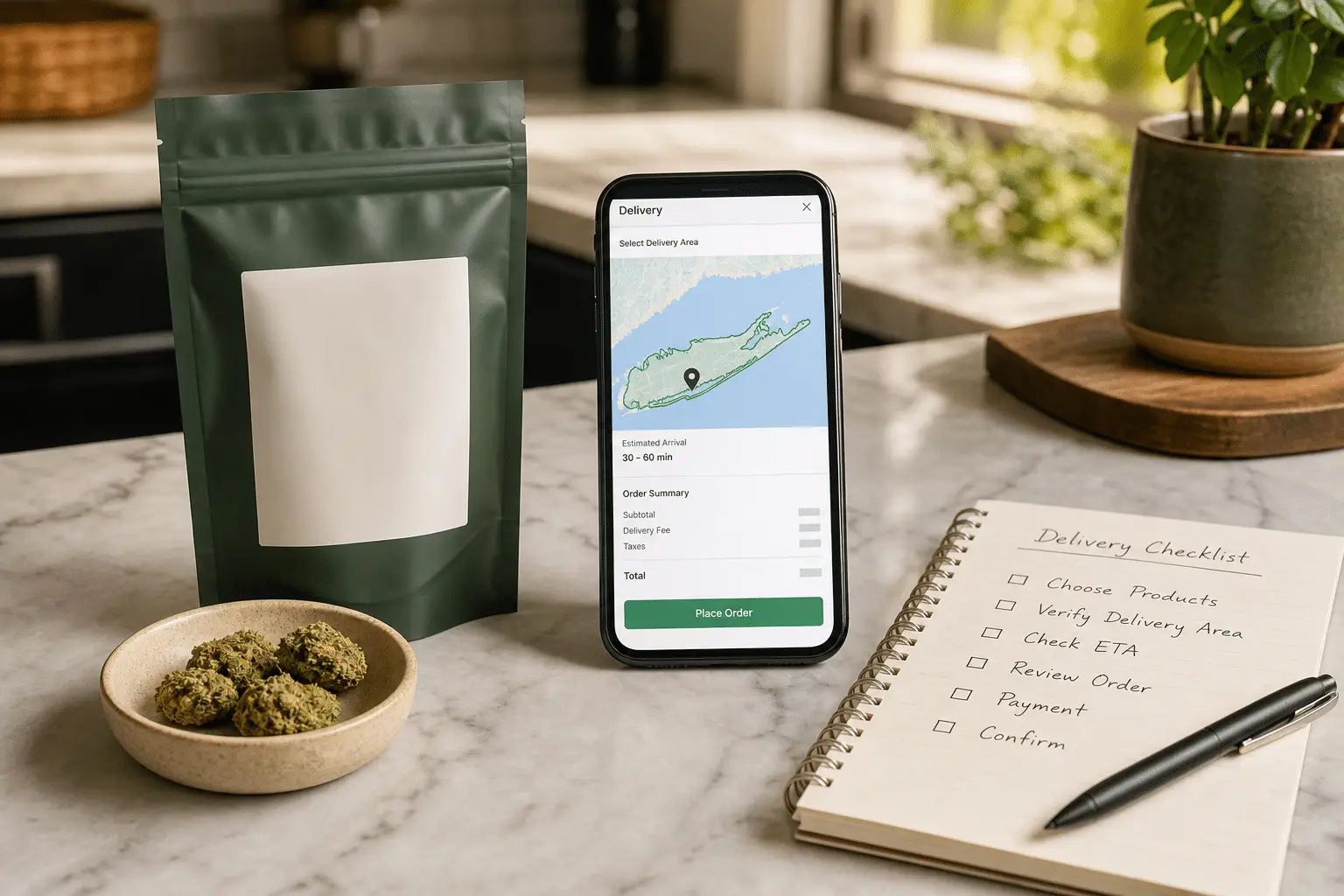
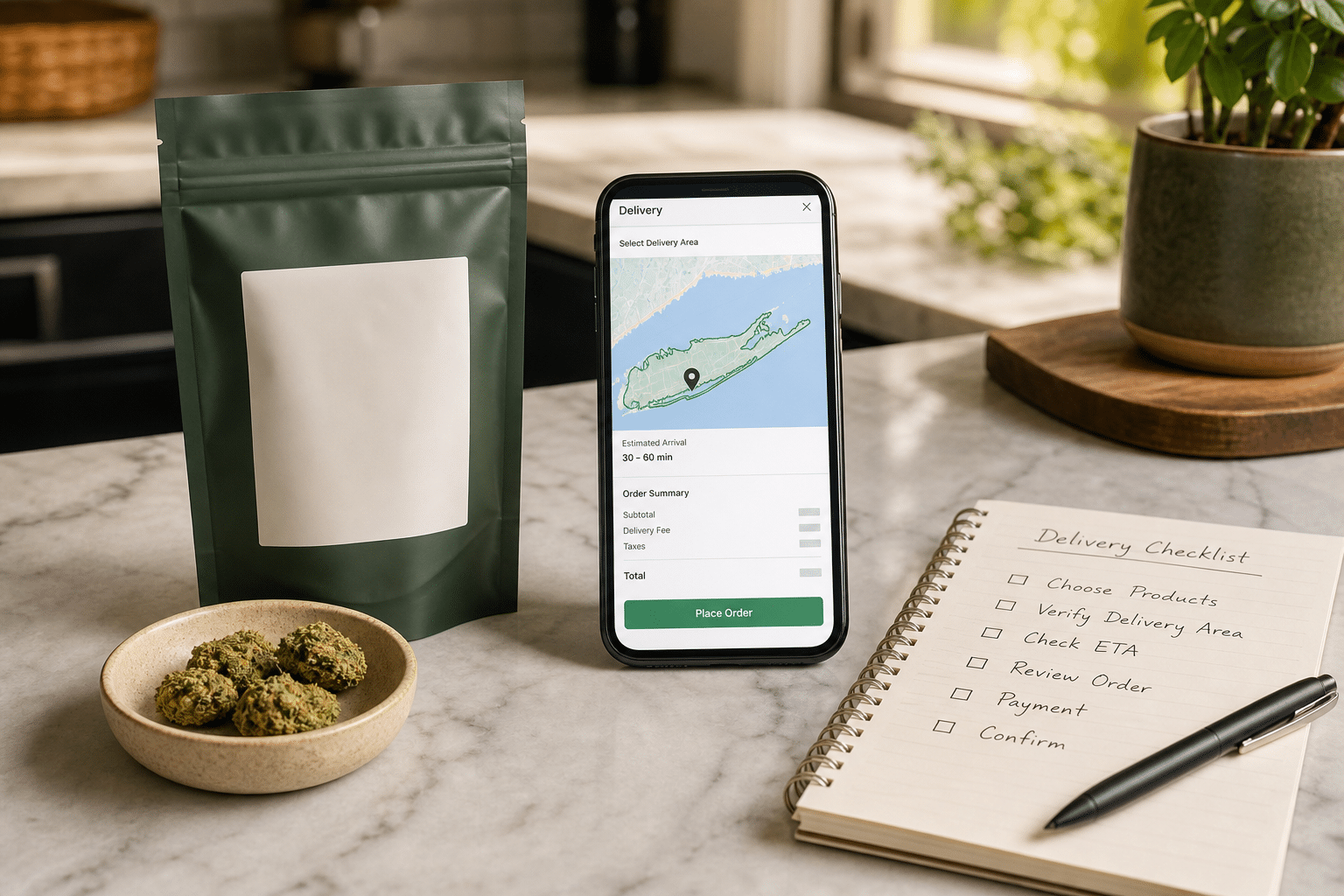
This cannabis delivery Long Island guide explains how to plan a regulated adult-use order from menu to doorstep. Delivery can be convenient, but the smoothest experience still starts with a few simple checks: confirm the service area, choose products from the live menu, prepare your ID and address details, and review the final total before checkout.
Top Grass serves adults 21+ from Bellport. Delivery availability, minimums, fees, hours, and eligible ZIP codes can change, so use the live online menu and the delivery options shown at checkout as the current source of truth.
Ready to check your address? Start on the official Top Grass delivery page, then use this educational guide to prepare the order, recipient details, and secure storage plan.
1. Start with the live menu
Open the current menu before you make a list. Inventory changes throughout the day, and a product you saw yesterday may have a different size, price, or availability today. Save the exact product name, format, package size, and quantity you want to compare.
- Choose the format first: flower, pre-rolls, vapes, edibles, concentrates, or topicals.
- Check package size and labeled serving information where applicable.
- Open the product details instead of relying only on the card image.
2. Verify the delivery area
Enter your delivery ZIP code or address early in the checkout flow. A Long Island address can be close to a store but still fall outside a specific delivery zone or day’s route. If the site asks for an apartment, gate code, or special instruction, provide it exactly as requested.
Service areas are operational details, not permanent promises. If the checkout cannot confirm your address, contact the dispensary team rather than placing an order with an incomplete address.
3. Prepare ID and recipient details
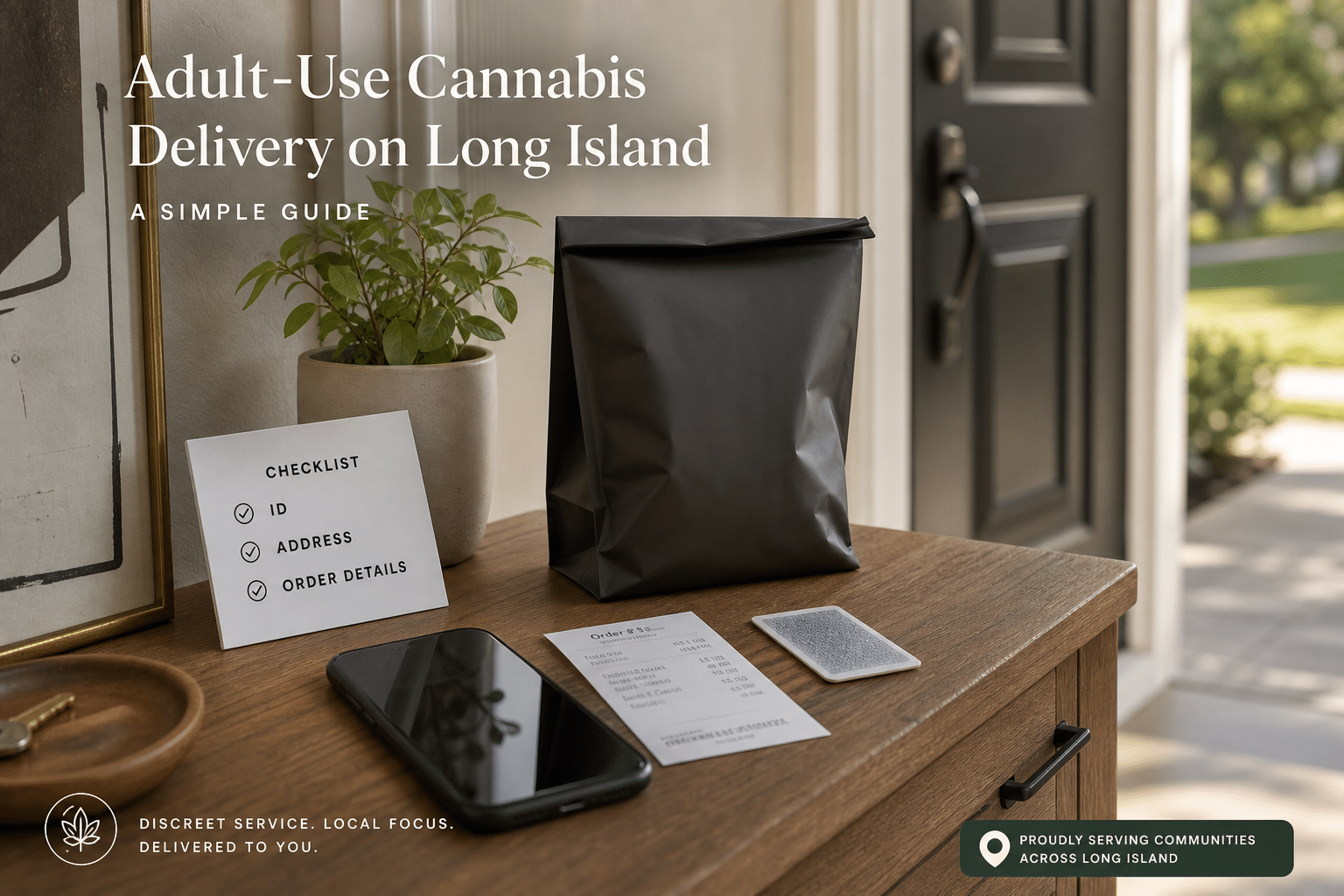
Adult-use delivery requires a valid government-issued photo ID proving the recipient is 21 or older. Keep the physical ID available and make sure the order name and delivery details are accurate. The recipient should be the adult who placed the order unless the retailer’s current policy says otherwise.
4. Review price, fees, and timing
Before you submit, review the subtotal, taxes, delivery fee, minimum order, and any promotion terms that appear in checkout. Confirm the estimated delivery window and make sure someone can receive the order during that window. “Available” does not always mean “arriving immediately,” especially when routes, weather, or order volume change.
| Checkout detail | What to confirm |
|---|---|
| Service area | ZIP code, address, apartment or access notes |
| Order minimum | Required subtotal before taxes or fees |
| Delivery fee | Flat or distance-based charge shown at checkout |
| Window | Estimated arrival range and cutoff time |
| Payment | Current online or delivery payment instructions |
5. Keep products sealed during transport
When the order arrives, confirm the package is sealed and matches the order summary. Keep products in their original child-resistant packaging. Do not open or consume products in a vehicle, and never drive impaired. If something is missing or appears damaged, photograph the package and contact the dispensary promptly using the current customer-care instructions.
6. Store the order securely at home
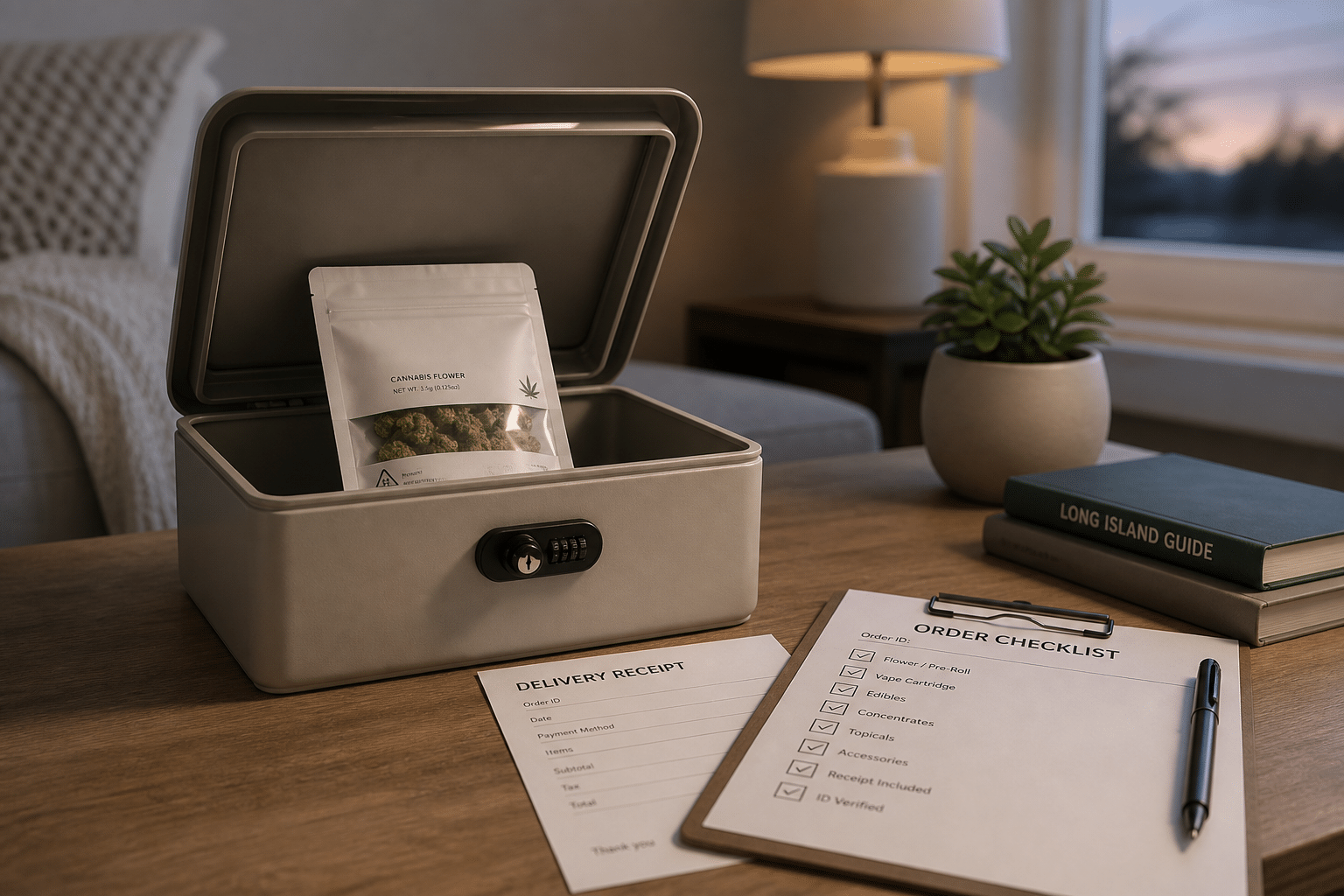
Choose a cool, dry, secure location before the driver arrives. Keep cannabis away from children, pets, heat, and direct light, and keep the original label and receipt with the product. A small lockable container can make the routine easier and helps separate cannabis from everyday household items.
7. Use the order record for your next visit
Save the receipt, product name, batch details, and what you would change next time. That small record turns your first cannabis delivery Long Island order into a repeatable shopping routine. You can also compare current specials before placing a new order, then verify terms at checkout.
A quick Long Island delivery checklist
- Confirm the current service area and ZIP code.
- Choose products and package sizes from the live menu.
- Prepare a valid 21+ government-issued photo ID.
- Review minimums, fees, taxes, payment, and delivery window.
- Plan a secure storage location before the handoff.
For regulated-product basics, review New York consumer guidance and the state’s adult-use delivery FAQ. Delivery policies and availability can change, so follow the current checkout instructions and ask the licensed dispensary team if anything is unclear.
For adults 21+ only. This article is educational and is not medical, legal, or financial advice. Follow the product label, New York rules, and guidance from a qualified professional.
Long Island Cannabis Delivery Resource Hub
Use this directory to move from broad planning to an exact local checklist. Coverage, route capacity, fees, inventory, and timing can change, so every local guide asks adults 21 and older to verify the complete private address in live checkout.
Local ZIP planning guides
- Bayport 11705 delivery timing guide
- Blue Point 11715 exact-address guide
- Ronkonkoma 11779 commuter scheduling guide
- Port Jefferson Station 11776 access guide
- Mount Sinai 11766 four-season checklist
- Rocky Point 11778 wooded-road guide
- Lake Grove 11755 condo and address guide
- Stony Brook 11790 private-residence plan
- Miller Place 11764 long-driveway guide
- Sound Beach 11789 hills and weather guide
- Shoreham 11786 private-lane checklist
- Wading River 11792 eastern-route plan
Delivery planning guides
- Check Long Island delivery zones before checkout
- Plan a same-day delivery window
- Prepare the private address for arrival
- Follow a first-order checklist
- Review New York ID and handoff readiness
- Set up secure storage after delivery
- Compare cannabis delivery with pickup
Start with the guide that matches your immediate question, then return here for the next step. Local articles add practical context, while current checkout and official New York guidance remain the authority for eligibility and service details.


